Online school management system: why the work goes on when the school loses power
How an online school management system keeps working through power cuts, how your data and backups are protected, and why you need no server of your own.
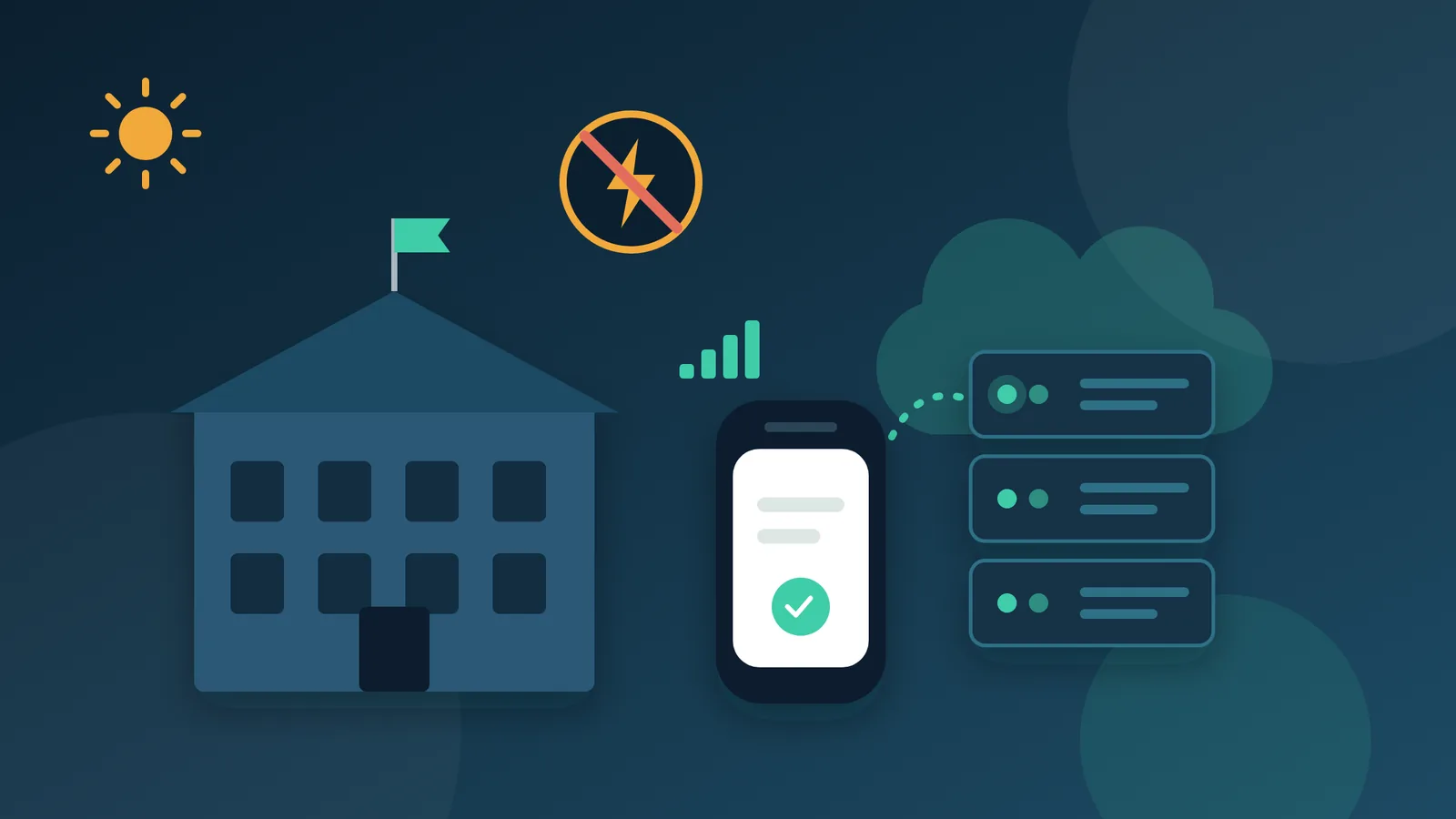
In many Syrian schools the power is off for hours at a time, every day. The computer in the school secretary's office runs only as long as the generator does, and stops the moment it shuts down. If the school management system is installed on a computer inside the building, the day's work halts with it: attendance goes unrecorded, fee instalments cannot be logged, and parents are left with no news of their children's absences. That is why we host Shams for every school on our own servers, so the work carries on whatever happens to the power in the building.
Does an online school management system keep working when the power goes off?
The short answer: yes. An online school management system, also known as a cloud system, runs around the clock on the provider's servers, outside the school building. When the building loses power, supervisors carry on taking attendance on their phones, accountants keep recording fee instalments, parents follow their children's absences from home, and absence messages go out on time.
What actually happens when the power goes off at school?
A power cut in the building does not interrupt the system, so the day's work carries on like this:
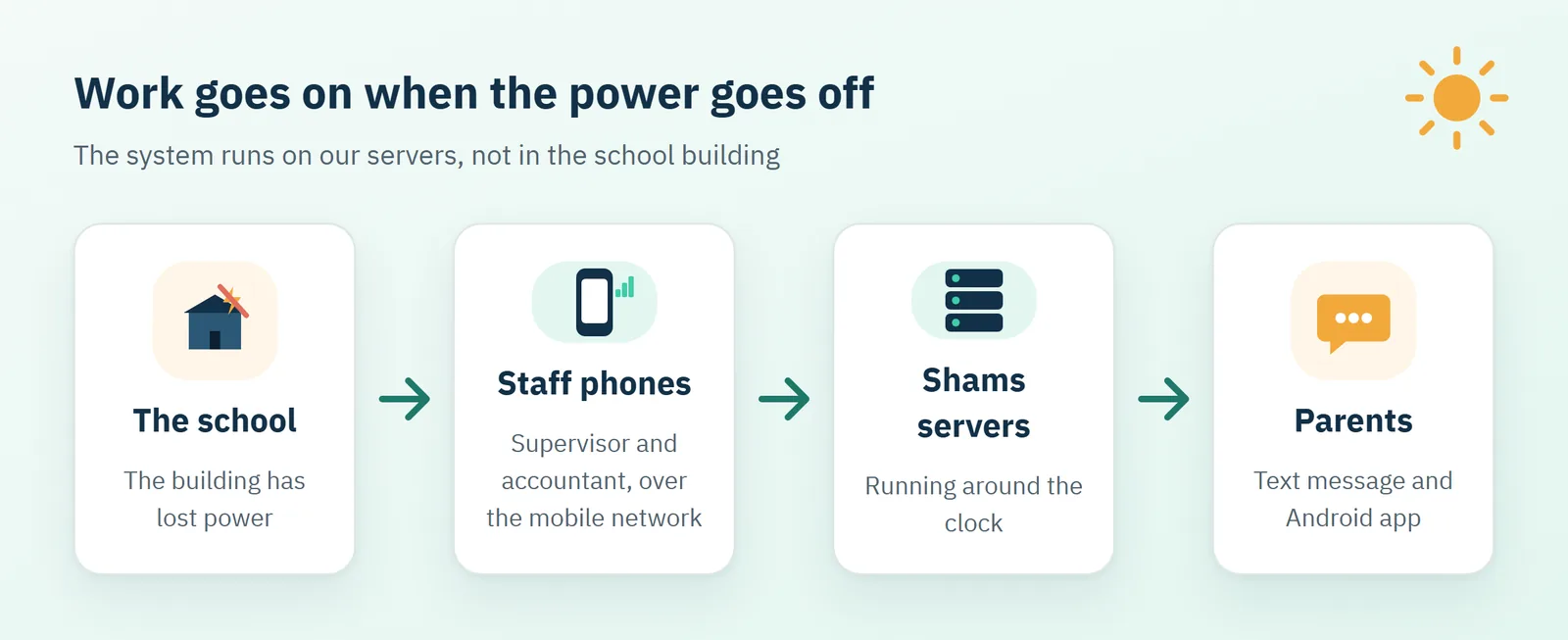
- Attendance: the supervisor takes attendance on their phone, exactly as they would on a computer.
- Fee instalments: the accountant takes the payment, records it on their phone and prints the receipt once the power returns.
- Parents: families check their child's absences and fee balances from home, and the absence message arrives at its usual time.
Does an online school management system need a fast connection?
No. Pages are assembled on our servers and delivered to the browser ready to display, so the school needs neither a new computer nor a fast connection. A phone on the mobile network is enough for the daily work, from taking attendance and collecting fees to assigning homework and posting announcements. Text messages reach parents on any phone, even if they have no internet connection.
Why doesn't the school need its own server?
A server on site needs constant updates and backups, and someone on hand to deal with common faults such as a full disk or a failed fan. Few schools have IT staff with time set aside for all that, so even a minor fault can stall the work until a technician visits. When the system runs on our servers, we take care of all of it: your school receives its web address and login accounts, and starts work straight away.
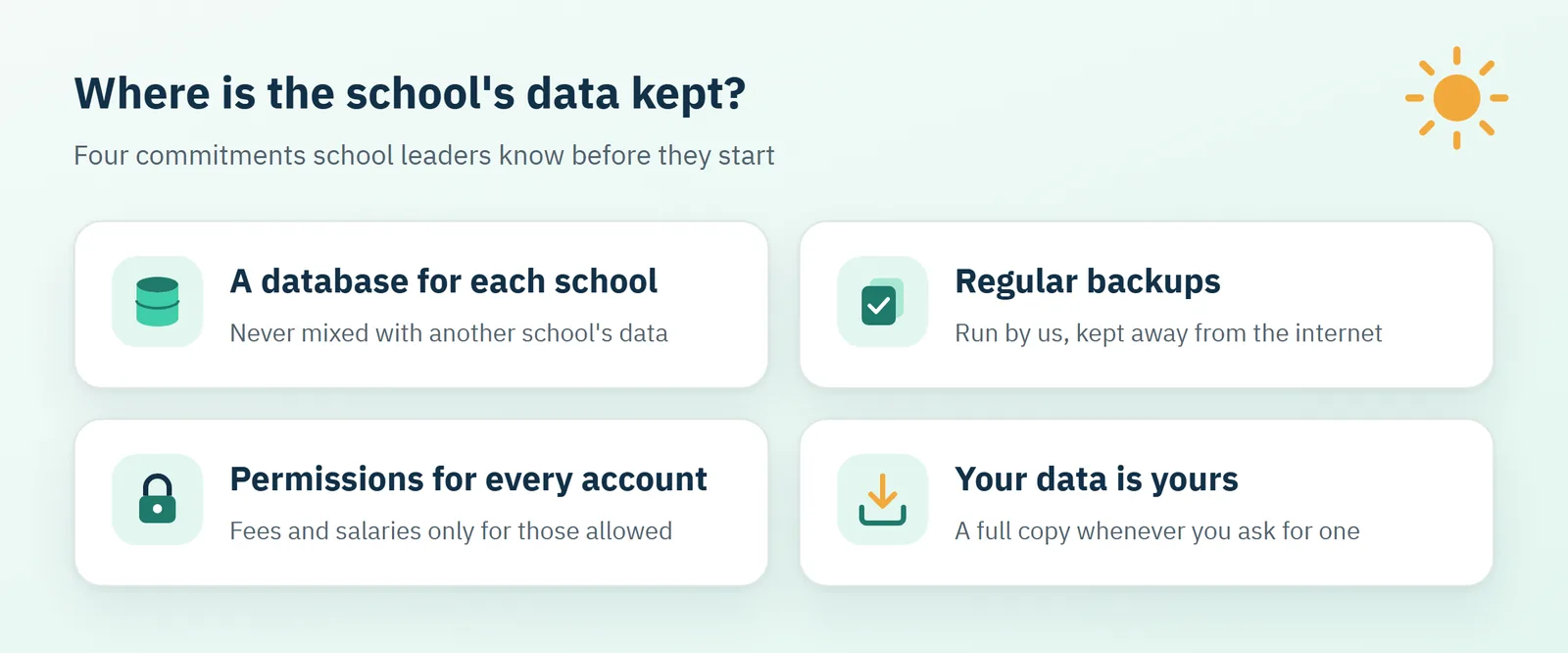
Where is the school's data kept, and who can see it?
- A separate database for each school: your school's records are stored there and never mixed with any other school's.
- Regular backups, handled by us: we keep the backups somewhere that cannot be reached over the internet, and the system takes a fresh backup before any restore, so a restore can always be undone.
- Permissions that decide what each account sees: only staff authorised to view fee instalments can see them, and the same applies to salaries. Parents see information about their own children and no one else's.
- The data belongs to the school: we hand the school a full copy of its data whenever it asks.
Questions to ask before choosing where your system runs
- If the power is out for two hours, can the accountant still record a fee payment?
- If the only computer in the office breaks down, is the attendance record lost?
- Who manages the backups, where are they stored, and when was a restore last tested?
- Can parents check their children's absences and fee balances from home?
How does Shams keep the work going during a power cut?
Because Shams runs on our servers, your school only needs an internet connection and a browser on a computer or a phone. Parents can download the Android app directly from this site or sign in from a browser. We handle hosting, updates and backups, and text messages reach parents on any phone.
Try the system from your phone
You can read the details on our data and permissions page, or try the system from your phone in the demo school with the accountant account T66, where it works in exactly the same way. If you would like to walk your leadership team through the system, request a demo.